n8n & Workflow
Complex n8n Workflow Error Management 2025: A Practical Guide
3 Aug 2026
5 min read
2 viewsMastering complex n8n workflow error management in 2025 is crucial for robust automation. This guide provides practical strategies for handling errors in production-scale n8n workflows, debugging AI integrations, and optimizing for seamless operation. Learn how to build resilient systems and prevent costly downtimes. Click to enhance your n8n expertise!
Navigating Complex n8n Workflow Error Management in 2025
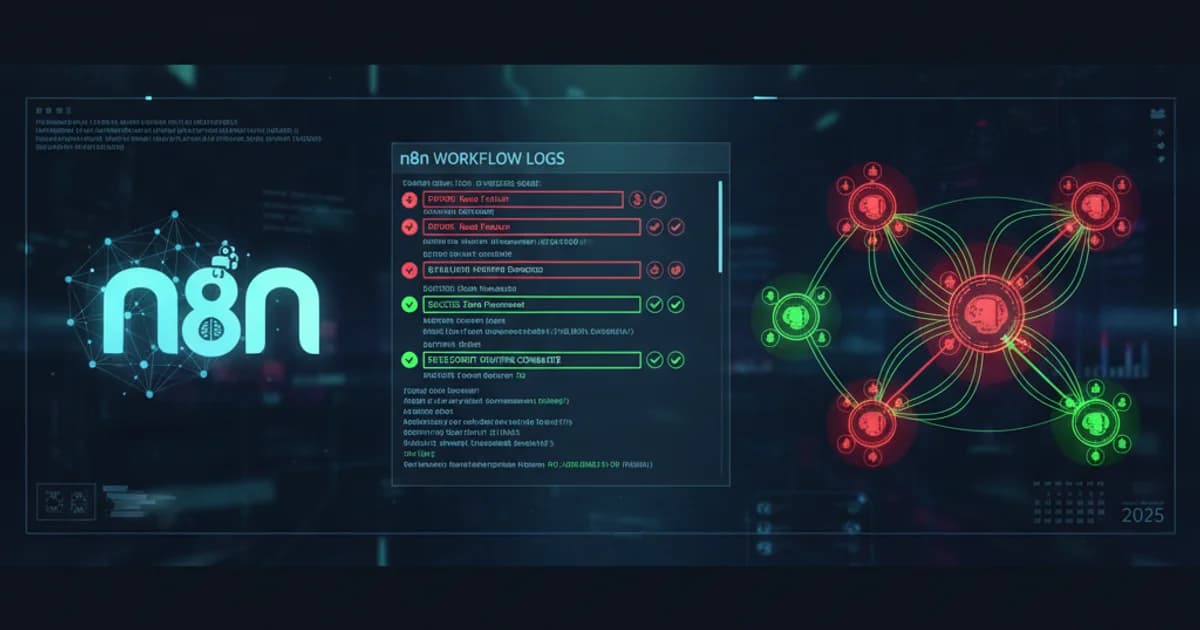
In the rapidly evolving landscape of automation, robust complex n8n workflow error management in 2025 is not just a best practice—it's a necessity. As businesses increasingly rely on n8n for integrating diverse applications, AI models, and APIs, the potential for errors in intricate workflows grows. This guide delves into practical strategies for ensuring your n8n automations remain resilient, even when faced with unexpected issues, drawing insights from the latest trends and architectural patterns.
The year 2025 has seen a significant surge in workflow automation adoption, with n8n leading as an open-source, low-code platform. Reports indicate that the AI automation landscape in 2025 is characterized by the rise of agentic architectures and platform consolidation, making effective error handling more critical than ever for maintaining operational integrity and business continuity.
Strategies for Production-Scale n8n Error Handling
Deploying n8n workflows at a production scale demands a proactive approach to error handling. Simply catching errors isn't enough; you need a comprehensive strategy that anticipates, detects, and resolves issues efficiently. This involves a combination of built-in n8n features and external monitoring tools.
- Global Error Workflows: Utilize n8n's global error workflow feature to centralize error logging and notification. This allows you to define a single workflow that triggers whenever an unhandled error occurs in any other workflow, sending alerts to relevant teams via Slack, email, or a ticketing system.
- Retry Mechanisms: Implement intelligent retry logic for transient errors. For instance, an API call might fail due to a temporary network glitch. Configure nodes to retry with exponential backoff to avoid overwhelming the target system.
- Dead Letter Queues (DLQ): For persistent or unrecoverable errors, route failed executions to a DLQ. This allows for manual inspection and reprocessing of problematic data without blocking the main workflow.
Debugging n8n Workflows with AI Integration
The integration of AI models, especially Large Language Models (LLMs), introduces new complexities to n8n workflows. Debugging these integrations requires specific techniques to understand why an AI model might return unexpected results or fail entirely. The 2025 AI Automation Report highlights the prevalence of AI agents, making robust debugging tools essential.
- Detailed Logging: Ensure all interactions with AI services are logged extensively. This includes input prompts, API responses, and any intermediate processing steps.
- Conditional Branching: Use conditional nodes to check AI model outputs for validity or expected patterns. If an output deviates, trigger an error handling path or a human review process.
- Version Control: Maintain strict version control for both your n8n workflows and the AI models they interact with. This allows for quick rollbacks if a new model version introduces regressions.
For complex web and system development challenges, including advanced AI integrations, consider exploring professional Web & System Development Services.
Optimizing n8n Workflows for No-Code Efficiency
While n8n is a low-code platform, optimizing workflows for efficiency and error prevention often involves strategic design, even without extensive coding. This ensures that your automations are not only functional but also maintainable and scalable.
Optimization Strategy Benefit for Error Prevention Example Modular Workflows Isolates potential failure points, easier debugging. Break down a large workflow into smaller, reusable sub-workflows. Data Validation Nodes Prevents invalid data from propagating and causing downstream errors. Use 'If' nodes to check data types or ranges before processing. Rate Limiting Avoids API errors due to exceeding service limits. Implement delays or batch processing for API calls.
Key Considerations for n8n Workflow Automation in 2025
As we look ahead, the landscape of n8n workflow automation continues to evolve. The "Ultimate Guide to n8n Workflow Automation in 2025" emphasizes trends like AI integration and increased efficiency. Here are critical areas to focus on:
- Security: Ensure proper credential management and access controls, especially when dealing with sensitive data or integrating with external services.
- Observability: Implement comprehensive logging, monitoring, and alerting to gain real-time insights into workflow health and performance.
- Scalability: Design workflows with future growth in mind, considering potential increases in data volume and execution frequency.
If you're looking for ready-to-use solutions to kickstart your automation journey, explore Ready-to-use Web Templates & Solutions.
Frequently Asked Questions
What are the most common error types in complex n8n workflows? Common errors include API rate limit errors, data validation failures, network timeouts, authentication issues, and unexpected responses from integrated services. AI integrations can also introduce errors related to model inference or prompt engineering.
How can I effectively debug n8n workflows with AI integrations? Effective debugging involves extensive logging of AI inputs and outputs, using conditional logic to validate AI responses, and leveraging n8n's execution logs to trace data flow. Consider setting up dedicated error workflows for AI-specific issues.
Is it possible to optimize n8n workflows for error prevention without writing code? Absolutely. Many error prevention strategies in n8n are no-code, such as using data validation nodes, implementing retry logic, structuring modular workflows, and leveraging built-in error handling features like global error workflows.
What new n8n features in 2025 aid in error management? While specific new features are continuously released, 2025 trends point towards enhanced AI integration capabilities, more robust monitoring dashboards, and improved integration with external observability tools, all of which indirectly contribute to better error management by providing deeper insights and more resilient connections.
By implementing these strategies for complex n8n workflow error management in 2025, you can build more robust, reliable, and scalable automation solutions that drive business efficiency and reduce operational overhead. Start fortifying your n8n workflows today!