Web Systems
Building Next.js Progressive Web Apps: A 2025 Guide
12 Oct 2026
4 min read
9 viewsMaster how to build a Next.js Progressive Web App (PWA) with our comprehensive 2025 guide. Learn implementation strategies, architectural benefits, and business impact for creating robust, app-like web experiences. Get practical insights and code examples to make your Next.js PWA a success.
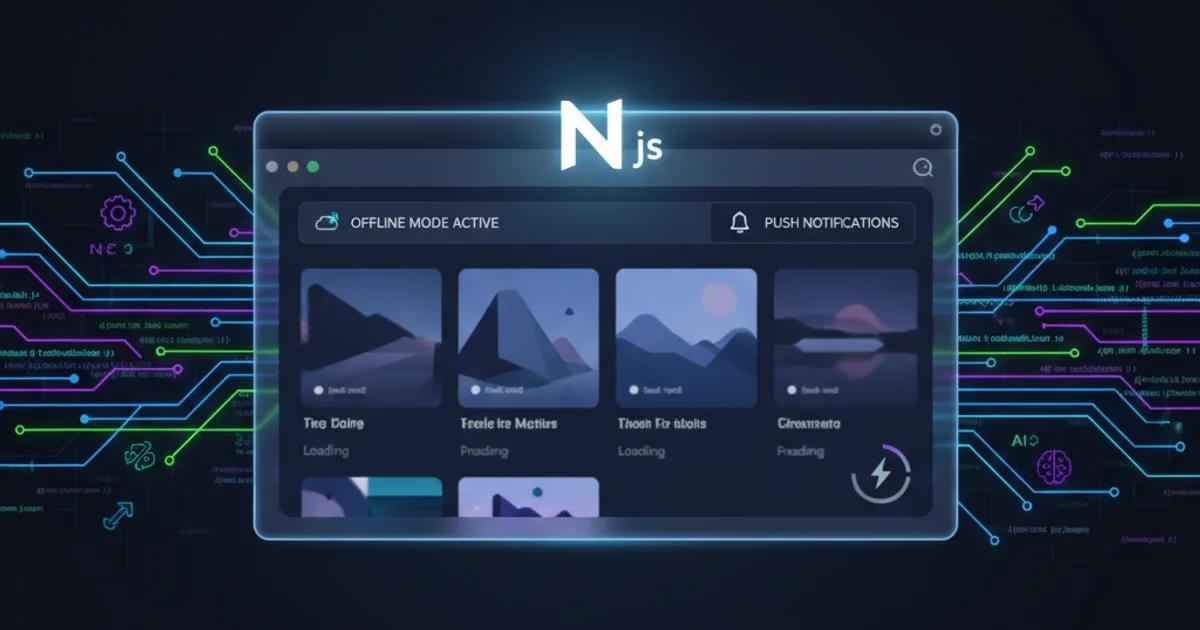
Building Next.js Progressive Web Apps: A Comprehensive 2025 Guide
In today's competitive digital landscape, delivering fast, reliable, and engaging user experiences is paramount. This guide will walk you through the process of how to build a Next.js Progressive Web App (PWA), a modern approach that combines the best of web and mobile applications. By leveraging Next.js's powerful features and React's component-based architecture, developers can create PWAs that offer offline capabilities, push notifications, and app-like performance, significantly boosting user retention and engagement.
Understanding PWAs and Their Business Impact
Progressive Web Apps are websites that have been progressively enhanced to function like native mobile applications. They are discoverable via search engines, linkable, and responsive, yet they can also be installed on a user's home screen, work offline, and send push notifications. For businesses, this translates to tangible benefits:
- Increased Engagement: Push notifications can re-engage users, leading to up to 3x higher retention rates compared to traditional mobile websites.
- Improved Performance: PWAs often load significantly faster, with studies showing up to a 50% reduction in page load times, directly impacting conversion rates.
- Wider Reach: No app store submission means broader accessibility and lower acquisition costs.
- Offline Capability: Users can access core functionalities even without an internet connection, crucial for areas with unreliable connectivity.
Implementing PWA in Next.js: A Step-by-Step Approach
To successfully implement PWA in Next.js, we primarily rely on Workbox, a set of libraries that make it easy to add offline support and other PWA features. Here's a simplified architectural overview:
// next.config.js
const withPWA = require('next-pwa')({
  dest: 'public',
  register: true,
  skipWaiting: true,
  disable: process.env.NODE_ENV === 'development' // Disable PWA in dev mode
});

module.exports = withPWA({
  // Your Next.js config here
});
This configuration integrates next-pwa, which handles service worker generation and registration. For a more detailed setup, including custom service worker logic and caching strategies, you would create a public/sw.js file and configure Workbox directly.
Key Steps for Building a PWA with Next.js:
- Install next-pwa: This plugin simplifies service worker management.
- Configure next.config.js: Enable PWA features and specify the service worker destination.
- Create a Web App Manifest: A manifest.json file in your public directory defines your app's appearance when installed.
- Add Service Worker Registration: Ensure your service worker is registered in your main application component (e.g., _app.js).
- Implement Offline Strategies: Use Workbox to define caching strategies for assets and API calls.
For advanced scenarios, consider integrating AI capabilities to personalize user experiences or using n8n for workflow automation to handle backend PWA events, such as sending targeted push notifications based on user behavior. Explore our Web & System Development Services for tailored solutions.
Comparison: Traditional Web App vs. Next.js PWA
Feature Traditional Web App Next.js PWA Offline Access No Yes (via Service Worker) Installability No Yes (Add to Home Screen) Push Notifications No Yes Performance Varies, often slower Fast, app-like Development Complexity Low to Medium Medium (with next-pwa)
The advantages of a PWA are clear, especially for businesses aiming for a seamless user experience that rivals native applications without the overhead of app store distribution. For ready-to-use solutions, check out our Ready-to-use Web Templates & Solutions.
Frequently Asked Questions
What are the core benefits of building a PWA with Next.js? Building a PWA with Next.js combines the benefits of server-side rendering (SSR) or static site generation (SSG) for initial load performance with PWA features like offline access, installability, and push notifications. This results in faster load times, better SEO, and an enhanced user experience that feels like a native app.
Is it difficult to add PWA features to an existing Next.js project? No, it's relatively straightforward. Tools like next-pwa abstract much of the complexity of service worker management. You'll primarily need to configure the plugin, create a web app manifest, and ensure your service worker registration is in place. Existing Next.js projects can often be converted with minimal code changes.
What are the key components of a Next.js PWA? The key components include a Web App Manifest (manifest.json) to define app metadata and appearance, a Service Worker (managed by next-pwa or custom code) for caching and offline capabilities, and a robust Next.js application structure for routing, data fetching, and UI rendering. Together, these elements deliver the core PWA experience.
Ready to transform your web presence into a high-performing, engaging application? Contact us today to discuss how we can help you build a cutting-edge Next.js PWA that drives business growth and user satisfaction.